
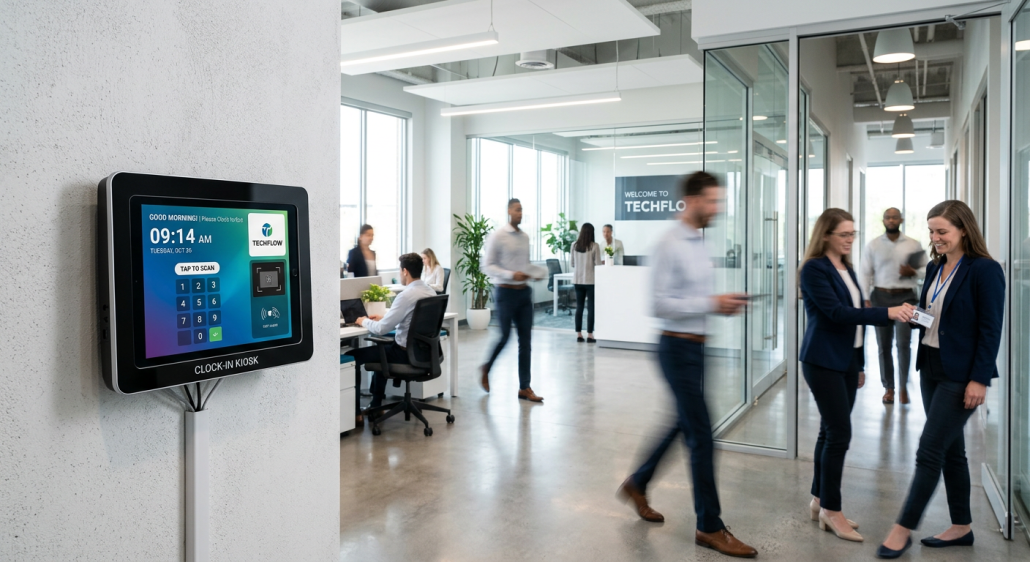
Top Workforce Management Clock Solutions for Accurate Time Capture in 2026
Implementing an effective wm clock workforce management clock is essential for organizations aiming to bridge the gap between operational intent and actual employee performance. In fast-paced, onsite environments, relying on manual entry or archaic punch-card systems frequently leads to payroll discrepancies, buddy punching, and a lack of granular project visibility. By integrating a dedicated wm clock: workforce management clock app, managers can ensure that every minute of labor is accounted for with verifiable accuracy, ultimately protecting profit margins and maintaining strict compliance with labor regulations.
Quick Summary
Workforce management clocks are digital systems designed to automate time tracking, attendance verification, and activity logging for onsite employees. They provide centralized data for payroll, project costing, and labor compliance.
- Precise digital time logging eliminates manual errors.
- Integration with payroll systems simplifies administrative workflows.
- Real-time attendance monitoring enhances workforce accountability.
- Data-driven reporting supports better operational decision-making.
Table of Contents
- Comparison of Workforce Management Solutions
- Evaluating Leading Time Capture Platforms
- uAttend: Streamlined Time Tracking
- QuickBooks Employee Time Kiosk: Accounting Integration
- TimeWorksPlus: Scalable Workforce Management
- Deputy: Dynamic Scheduling and Tracking
- Choosing the Right Clock for Your Business
- FAQ
- Recommended Reads
Comparison of Workforce Management Solutions
| Category | Core Strengths | Target Audience | Primary Drawback |
|---|---|---|---|
| uAttend | User-friendly interface | Small to mid-size teams | Limited advanced analytics |
| QuickBooks Kiosk | Direct payroll syncing | QuickBooks accounting users | Requires specific ecosystem |
| TimeWorksPlus | Robust labor compliance | Complex workforce structures | Steeper learning curve |
| Deputy | Shift scheduling synergy | Hourly, service-based staff | Subscription tier complexity |
Evaluating Leading Time Capture Platforms
Selecting the right technology requires balancing ease of use with the depth of data needed to manage labor costs effectively. A high-quality time tracking software solution should offer more than just a timestamp; it must provide accountability and actionable insights that allow leadership to pivot based on real-time activity levels.
As businesses scale, the ability to utilize a kiosk setup becomes a baseline requirement for field teams and onsite staff. This approach removes friction for the employee while providing a standardized, tamper-proof method for supervisors to track attendance without manual oversight. The following platforms represent the industry standard for reliable workforce management.
uAttend: Streamlined Time Tracking
uAttend is widely recognized for its straightforward approach to employee monitoring and attendance. It focuses on reducing the administrative burden of payroll preparation by centralizing data in a cloud-based environment.
- Pros: Intuitive setup for non-technical users and multiple clock-in methods including biometric scanners.
- Cons: Customization options for complex labor rules are less flexible than enterprise-grade alternatives.
QuickBooks Employee Time Kiosk: Accounting Integration
For businesses already embedded in the accounting ecosystem, the QuickBooks employee time kiosk serves as a seamless extension. By ensuring that time data flows directly into payroll, companies reduce the risk of reconciliation errors that plague manual systems.
- Pros: Unmatched synergy with payroll processing and tax compliance modules.
- Cons: Functionality is often optimized specifically for the brand’s proprietary software suite, limiting third-party flexibility.
TimeWorksPlus: Scalable Workforce Management
TimeWorksPlus is designed for organizations that face high regulatory scrutiny. It offers deep capabilities regarding overtime management, labor law compliance, and multi-location attendance tracking, making it a robust choice for heavy industries.
- Pros: Advanced scheduling and compliance-focused reporting features.
- Cons: The breadth of features can be overwhelming for smaller, single-location businesses.
Deputy: Dynamic Scheduling and Tracking
Deputy excels in environments where shifts change frequently. It integrates time tracking with dynamic scheduling, ensuring that the right employees are in the right place at the right time. Its mobile-first approach is highly effective for retail and service industries.
- Pros: Superior mobile application experience and strong communication tools between managers and staff.
- Cons: Advanced scheduling features may be overkill for businesses with static, consistent shifts.
Choosing the Right Clock for Your Business
When evaluating a system, prioritize interoperability. Can the platform export data directly to your preferred reports format? Does it support the specific hardware or mobile devices your team currently uses? These practical considerations dictate whether a new tool will be adopted by staff or abandoned due to technical friction.
Furthermore, consider the long-term impact on your operational workflow. A system that offers an automated time tracker helps eliminate “clock-out anxiety” among staff and provides managers with audit-ready documentation. Always assess the support ecosystem-knowing there is a dedicated help resource available ensures that your workforce management efforts continue without disruption.
FAQ
- Question: Why should I move from a paper timesheet to a digital kiosk?
Answer: Digital kiosks prevent buddy punching, automate calculation of overtime, and provide real-time data that saves hours of administrative work each pay period. - Question: Does a digital clocking system replace the need for project management software?
Answer: Not entirely, though they are complementary. Using a project management platform alongside a clock allows you to tie labor costs directly to specific tasks or deliverables. - Question: How do these systems handle compliance with local labor laws?
Answer: Most professional-grade workforce management tools include pre-built settings to monitor breaks, track overtime thresholds, and generate reports suitable for labor audits.


