AYYES for Developers
Time tracking for developers
Get total visibility into team productivity, project progress, and startup operations. Track where efforts go, improve output, and scale with automated proof of work.

Get total visibility into team productivity, project progress, and startup operations. Track where efforts go, improve output, and scale with automated proof of work.
Core capabilities
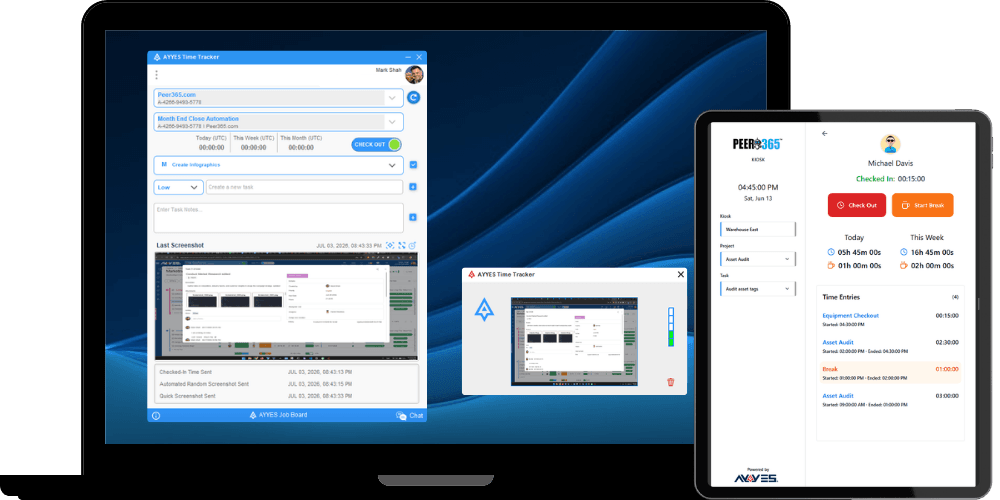
Track time automatically with the desktop app, use the web timer for quick start/stop, or add manual entries for code reviews and off-site work. Never lose another hour to forgotten timers.
AYYES lets you track time by project with different billable rates per engagement. See exactly where your team’s time goes and which projects move the needle.
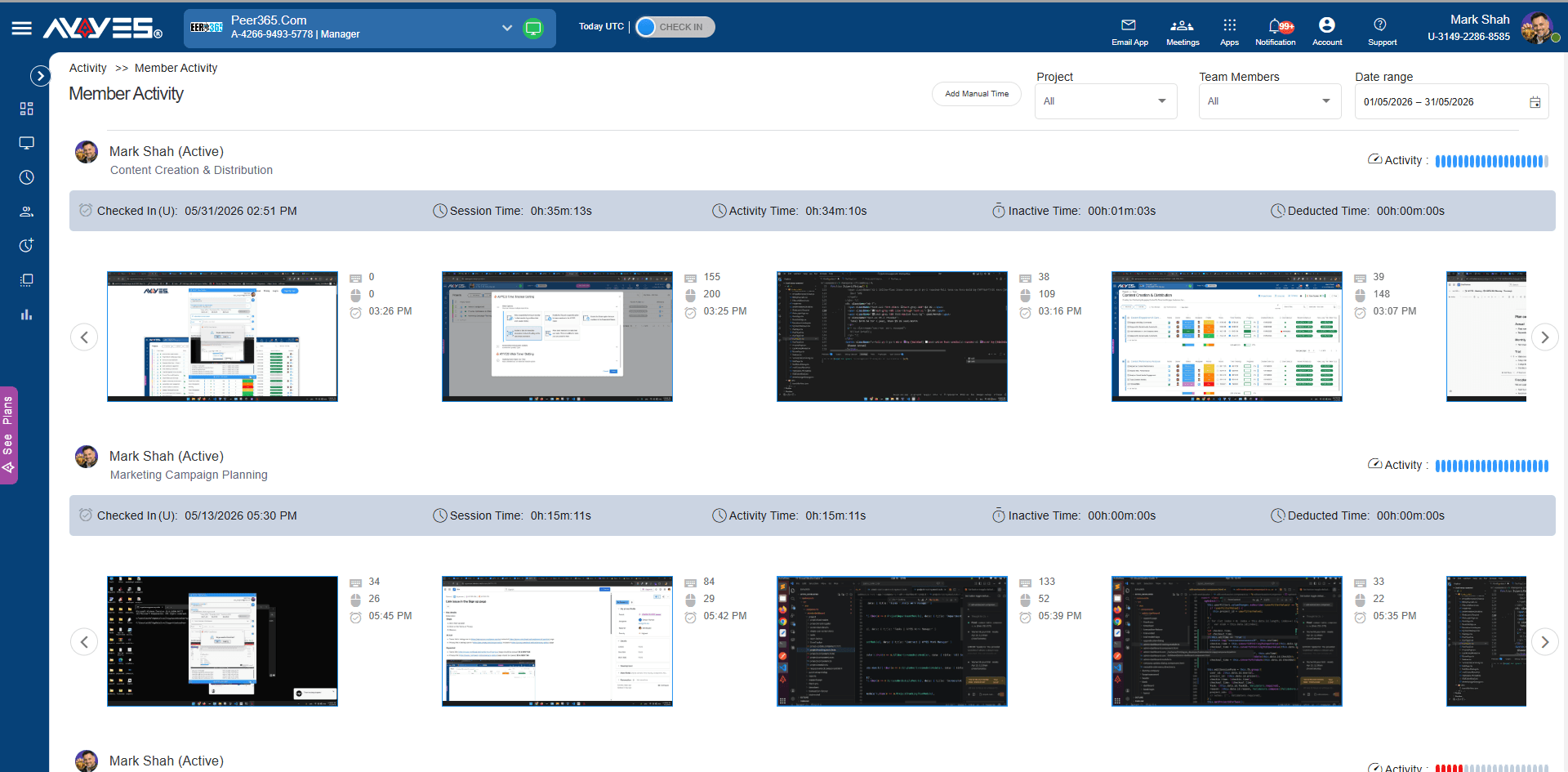
Unlike traditional employee monitoring tools that take screenshots or record keystrokes – which can feel invasive – AYYES provides the objective data you need while respecting developer privacy.
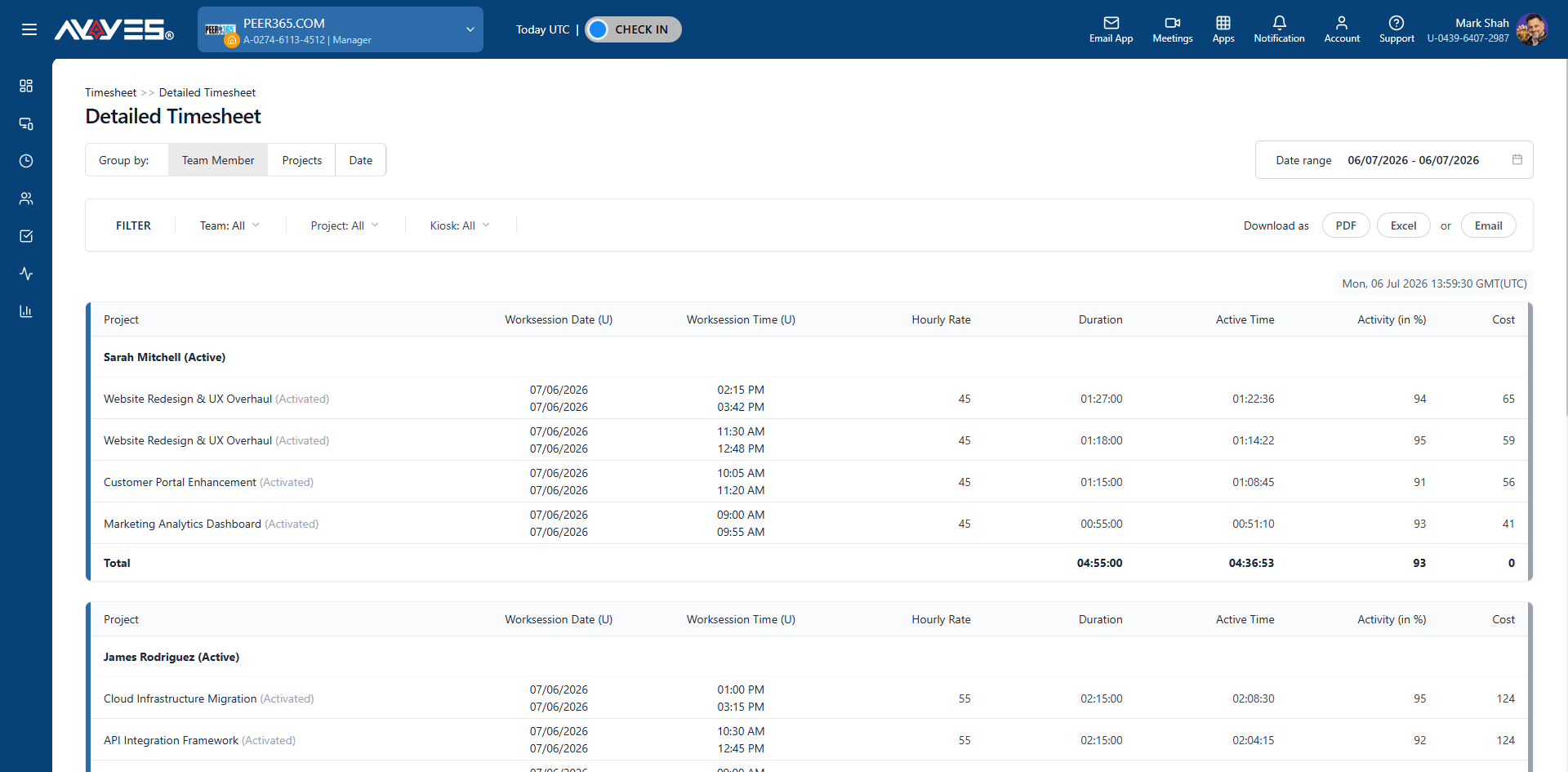
Tracked hours flow directly into automated timesheets and invoicing. No retyping. No reconciliation.
Flexible for any team
AYYES adapts to how your firm operates – whether you’re tracking billable hours, managing case loads, or monitoring distributed legal teams.
Track sprints, features, and technical debt across full product development cycles.
Monitor website projects, CMS development, and e-commerce builds per client.
Log UI implementation, component development, and browser testing time.
Track API development, database work, and server-side engineering across projects.
Monitor end-to-end feature development from database to user interface.
Log iOS, Android, and cross-platform development time per feature and sprint.
Track deployment, monitoring, and infrastructure engineering across environments.
Log billable hours per client, project, and feature with proof of work.
Monitor client engagements, code reviews, and technical advisory time.
Step by step
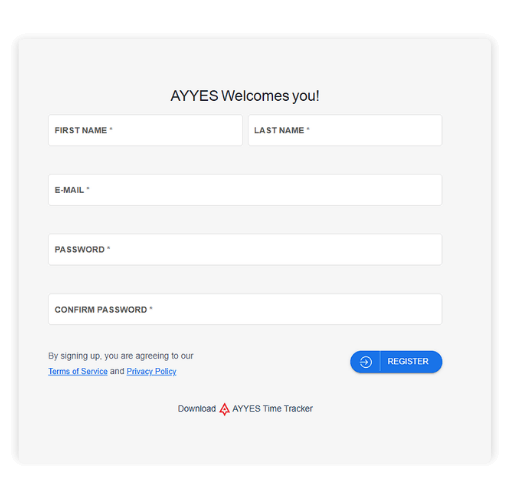
Sign up for free and set up your workspace account in minutes.
Use pre-built templates for marketing, operations, or custom project structures organized by client.
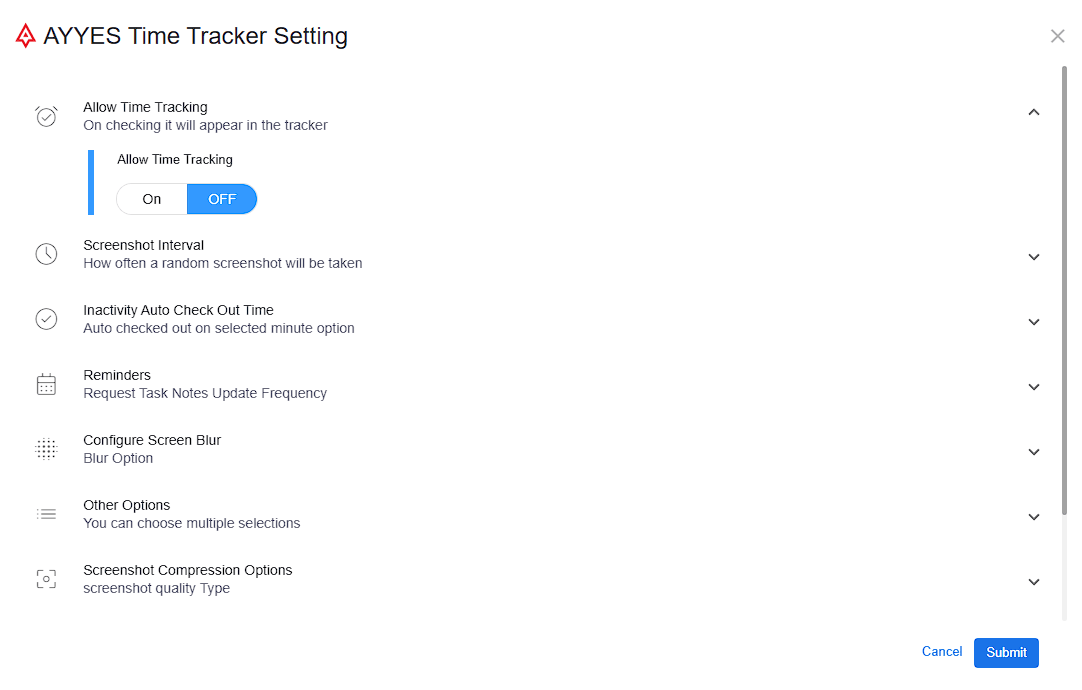
Choose how your team tracks time – automated desktop app, web timer, manual entry, or kiosk check-in for on-site teams.
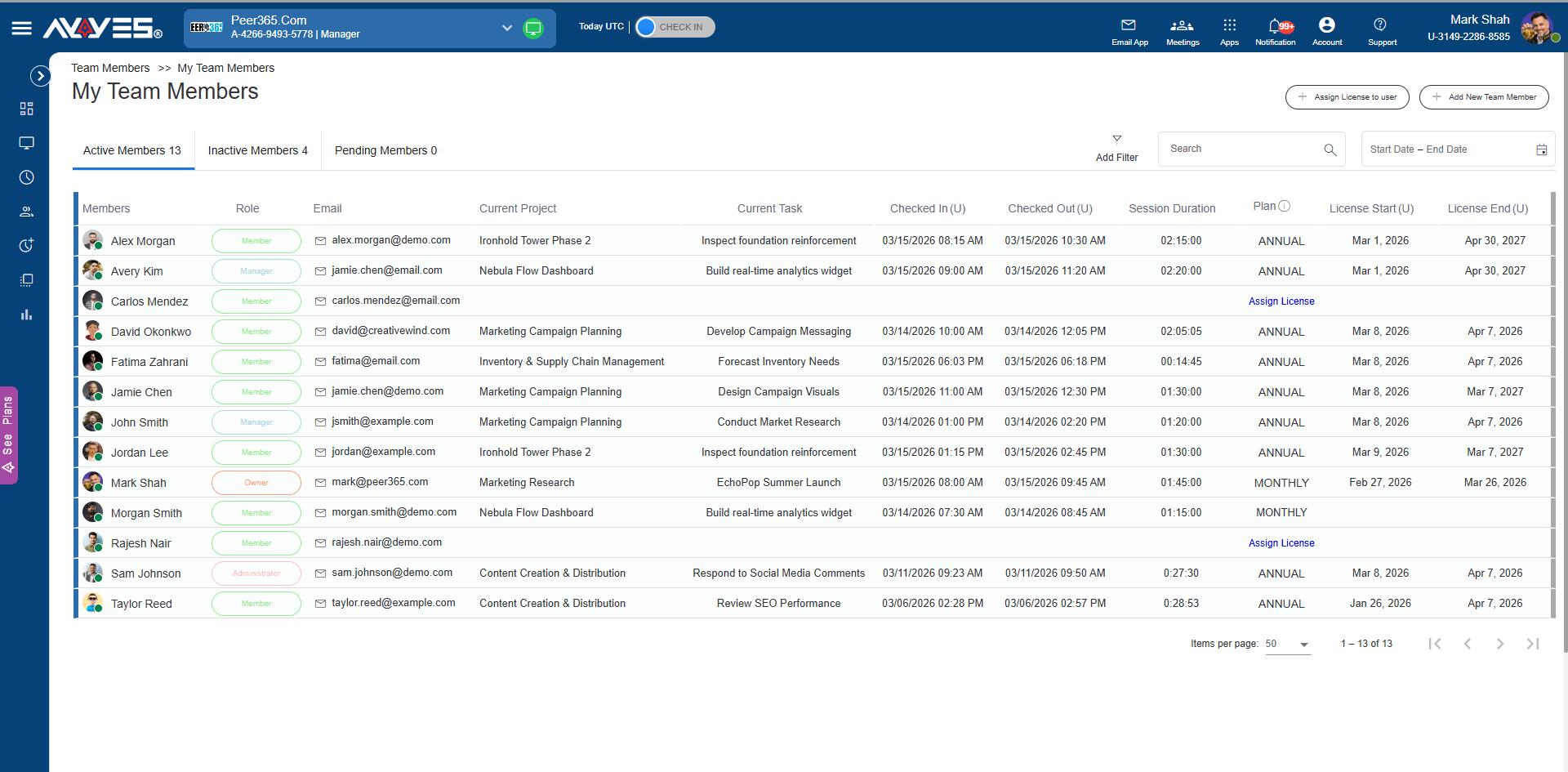
Invite employees, assign roles, manage licenses, and keep active, inactive, and pending members organized.
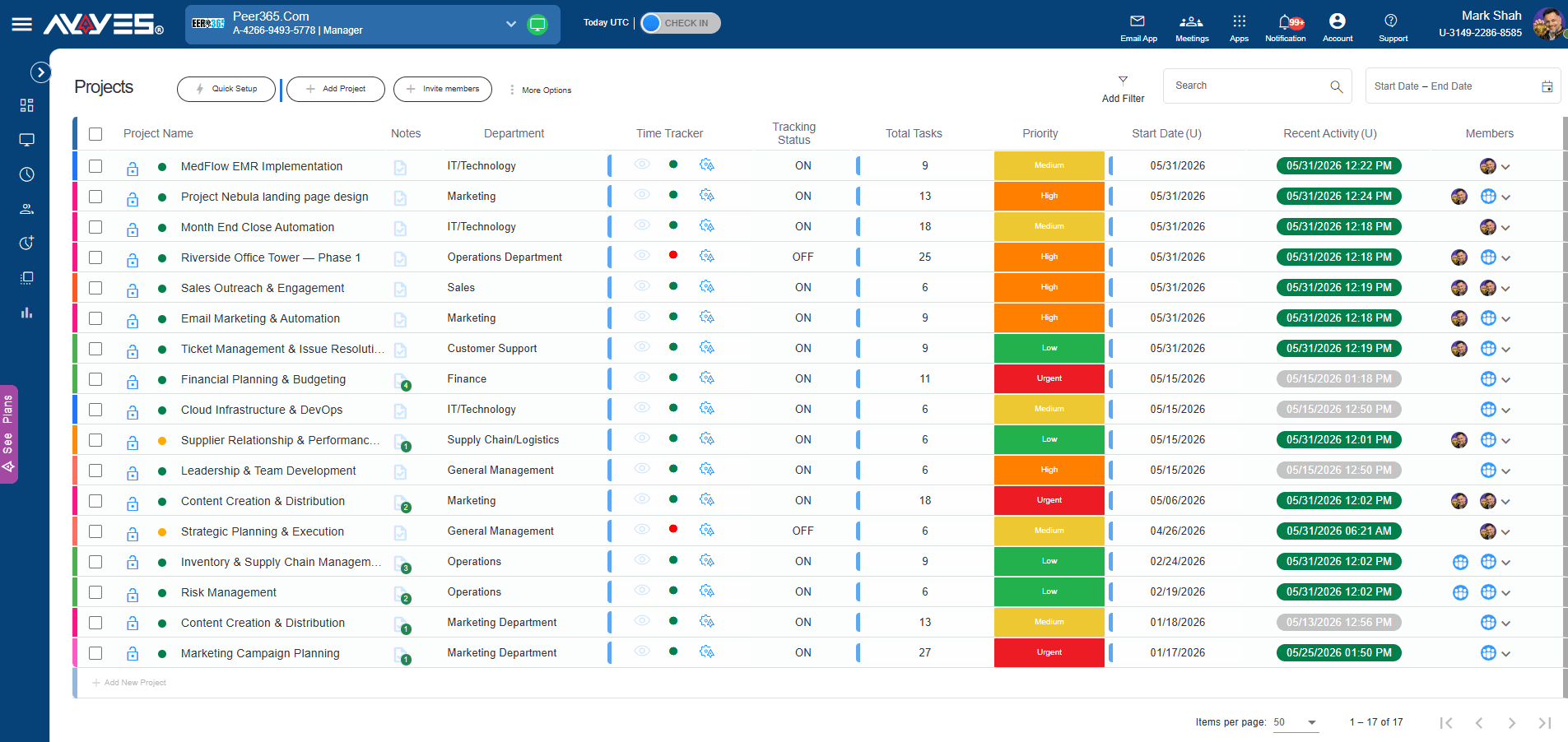
Watch projects move forward with visual progress indicators and review team activity to ensure work is on track.
Pull detailed timesheets and summary reports filtered by client, project, or team member for transparent billing.
Features
Create client projects, organize tasks, set priorities, and track progress.
Web timer, desktop app, manual entry, or kiosk — track time however your team works.
Automated screenshots, app tracking, and activity levels for undisputable client proof.
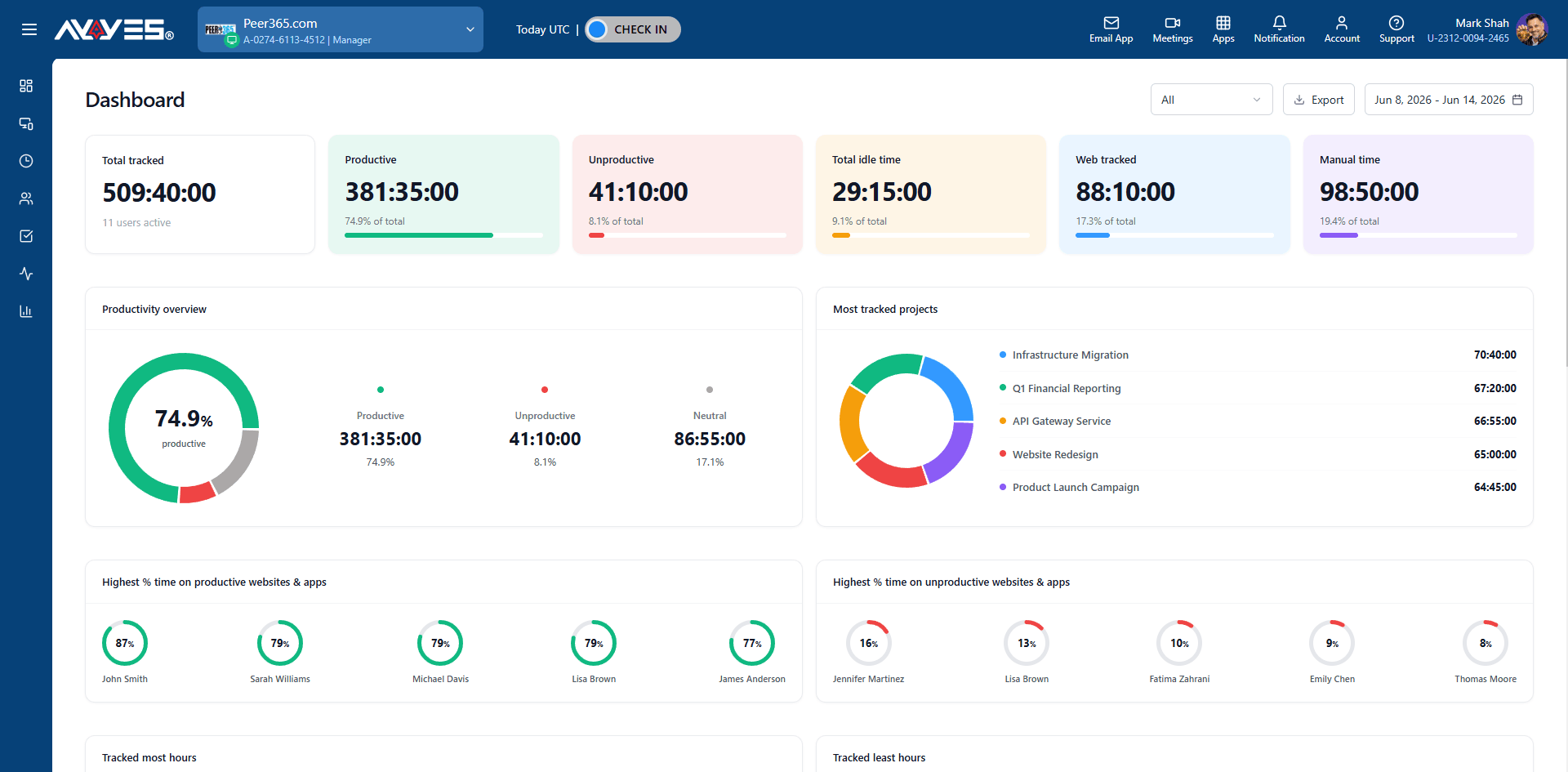
KPI cards, pie charts, and ranked lists showing team productivity and project distribution.
Detailed and summarized views with cost calculation, filtering, and PDF export.
Automated email reports, export options, and real-time productivity metrics.
View active members, manage roles, assign matters, and track session history.
See which applications your attorneys use – legal research, document drafting, and more.
Jump-start matters with pre-built project templates for common legal workflows.
30 days free trial • No credit card required • Flexible plans
What is developer time tracking software?
Developer time tracking software helps software engineers and development teams record the time spent coding, testing, debugging, reviewing code, attending meetings, and completing project tasks. AYYES helps development teams track time by project and task while providing timesheets, reports, and productivity insights.
How does AYYES time tracking work for developers?
AYYES gives developers multiple ways to track their working hours. Developers can use the desktop time tracker for automatic tracking, the web timer for quick start and stop tracking, or manual time entries for activities such as code reviews, meetings, and off-site work.
Can developers track time by project?
Yes. AYYES allows development teams to track time by project and task. This makes it easier to understand how much time is being spent on individual products, features, client projects, or development initiatives.
Can I track coding time with AYYES?
Yes. Developers can use AYYES to track time spent on coding and other software development activities. Time can be associated with specific projects and tasks to provide a clearer picture of development effort.
Can AYYES track time for software development projects?
Yes. AYYES is designed for software development teams and can be used to track time across projects, sprints, features, tasks, and development activities.
Can development teams track sprint hours?
Yes. Development teams can organize projects and tasks around sprints and track the time spent on individual development activities. This can help teams understand effort allocation and improve future sprint planning.
| Product Features | Solutions Timekeeping Productivity Analysis Reporting Project Management Team Management Industries |
| Competitor Comparison | Company Pricing About us Resources Download |

