The Best Timeular Alternative
AYYES is a practical Timeular alternative for teams that need software-based time tracking without dedicated hardware, plus projects, kiosks, screenshots, activity proof, timesheets, and reports.

AYYES is a practical Timeular alternative for teams that need software-based time tracking without dedicated hardware, plus projects, kiosks, screenshots, activity proof, timesheets, and reports.
| Feature | AYYES | Timeular |
|---|---|---|
| Free plan | 12 seats free | No free plan |
| Paid plan | Starts at $0.88/seat/month | Starts at $7.50/seat/month |
| Team Time Tracking | ✓ | ✓ |
| Project Visibility | ✓ | ✓ |
| Kiosk Time Clock | ✓ | ✕ |
| Timesheets | ✓ | ✓ |
| Screenshot Tracking | ✓ | ✕ |
| App Activity Tracking | ✓ | ✕ |
| Idle Detection | ✓ | ✓ |
| Activity Logs | ✓ | ✓ |
| PDF And Excel Export | ✓ | ✓ |
| Simple Work Manager Dashboard | ✓ | ✕ |
AYYES AI Platform
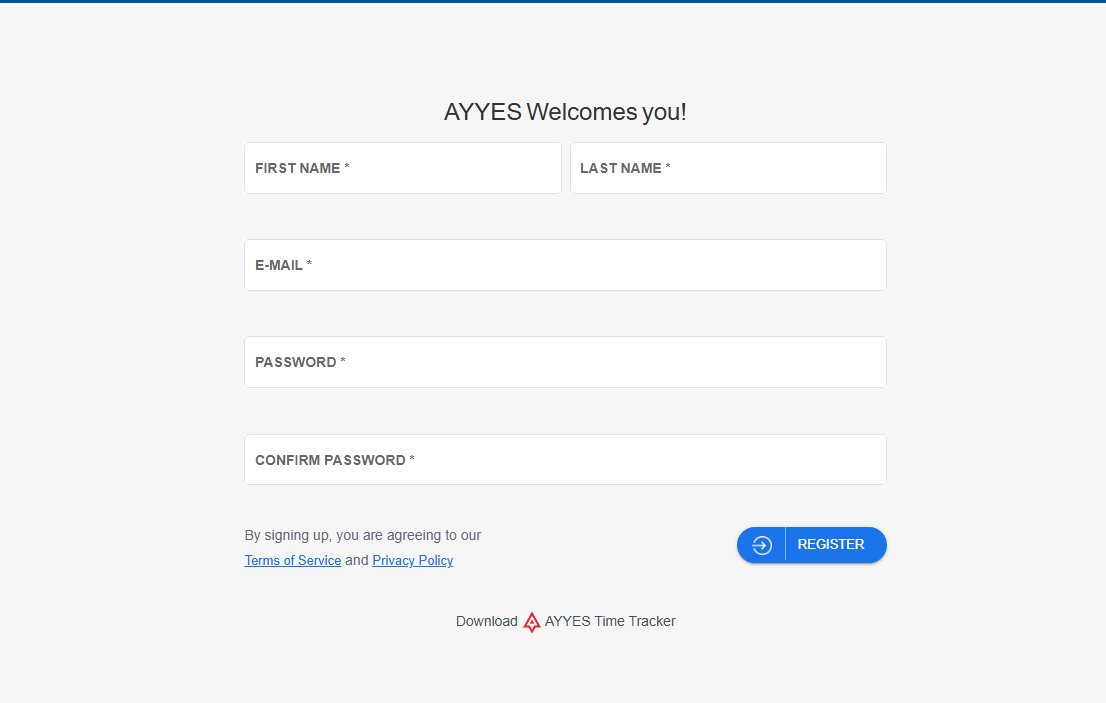
Set up your team, assign work, track time, and review proof of work section by section.
Step 1
Step 2
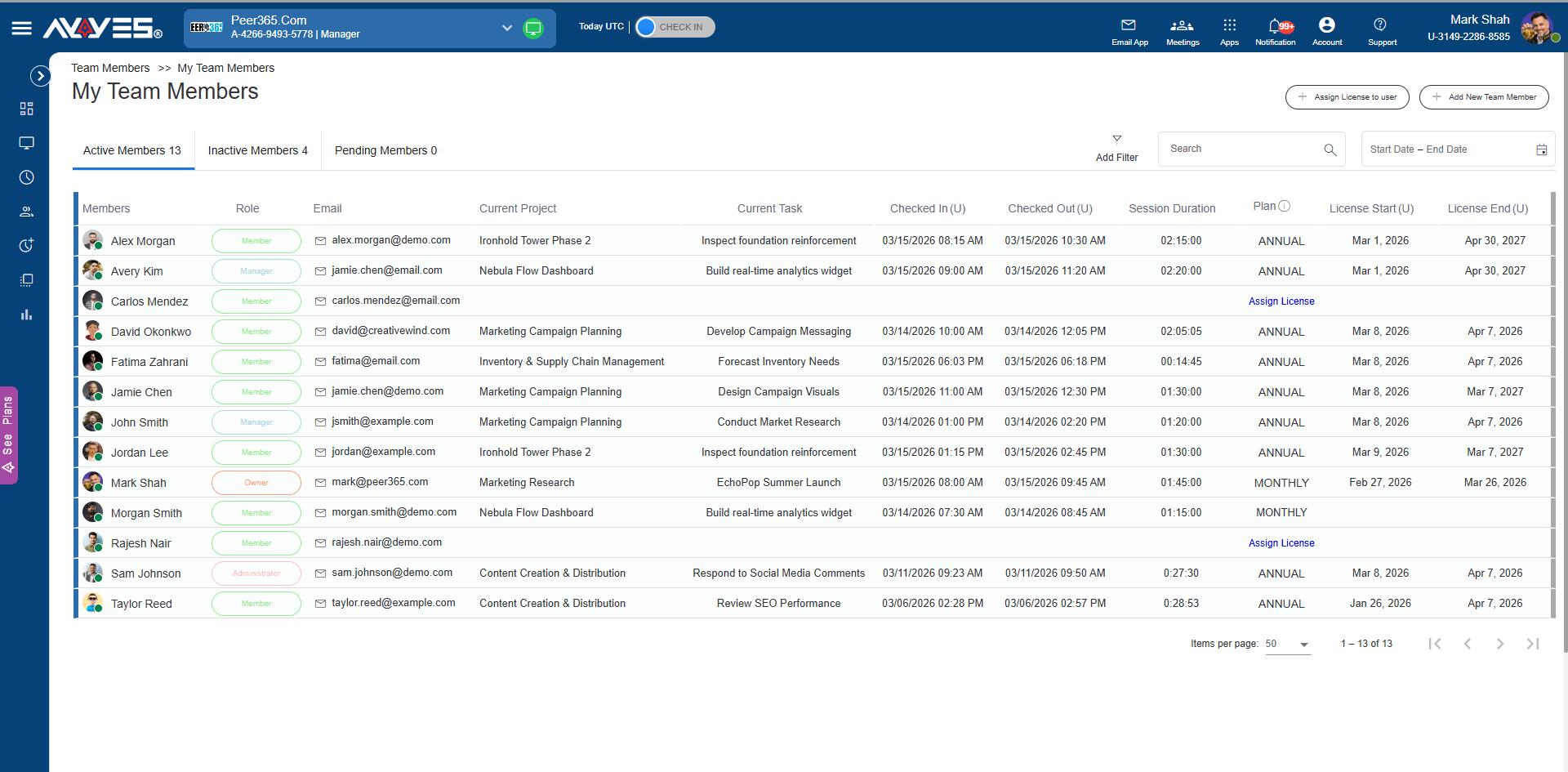
Invite employees, assign roles, manage licenses, and keep active, inactive, and pending members organized.
Step 3
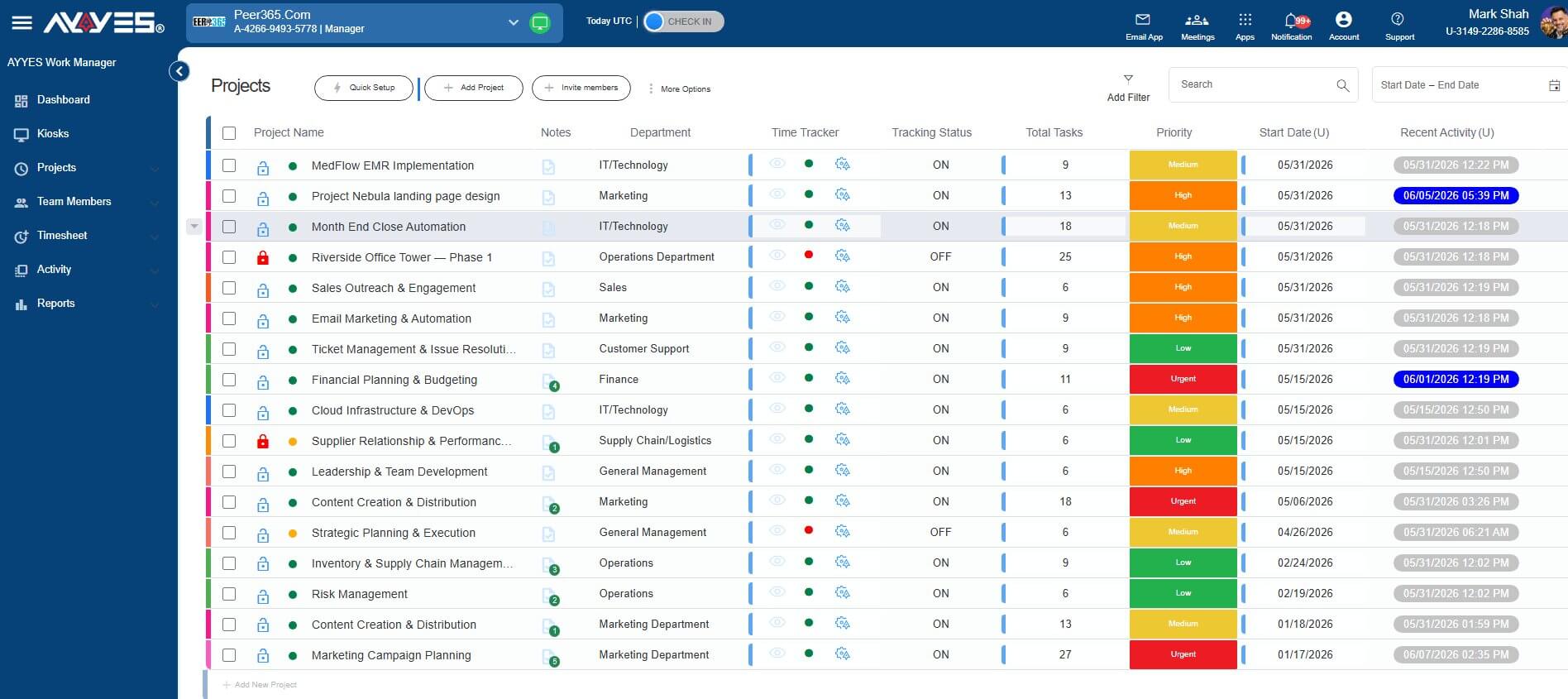
Create projects, add tasks, set priorities, choose departments, and keep every work item easy to review.
Step 4
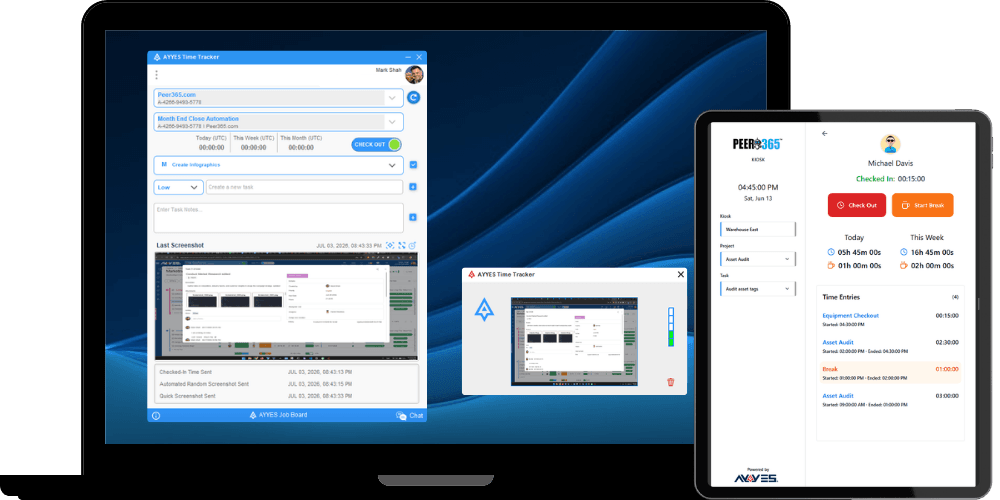
Let users check in, start timers, use kiosk mode, add notes, and record work sessions with clear session history.
Step 5
See daily activity, member activity, manual time, work status, and proof of work from one place.
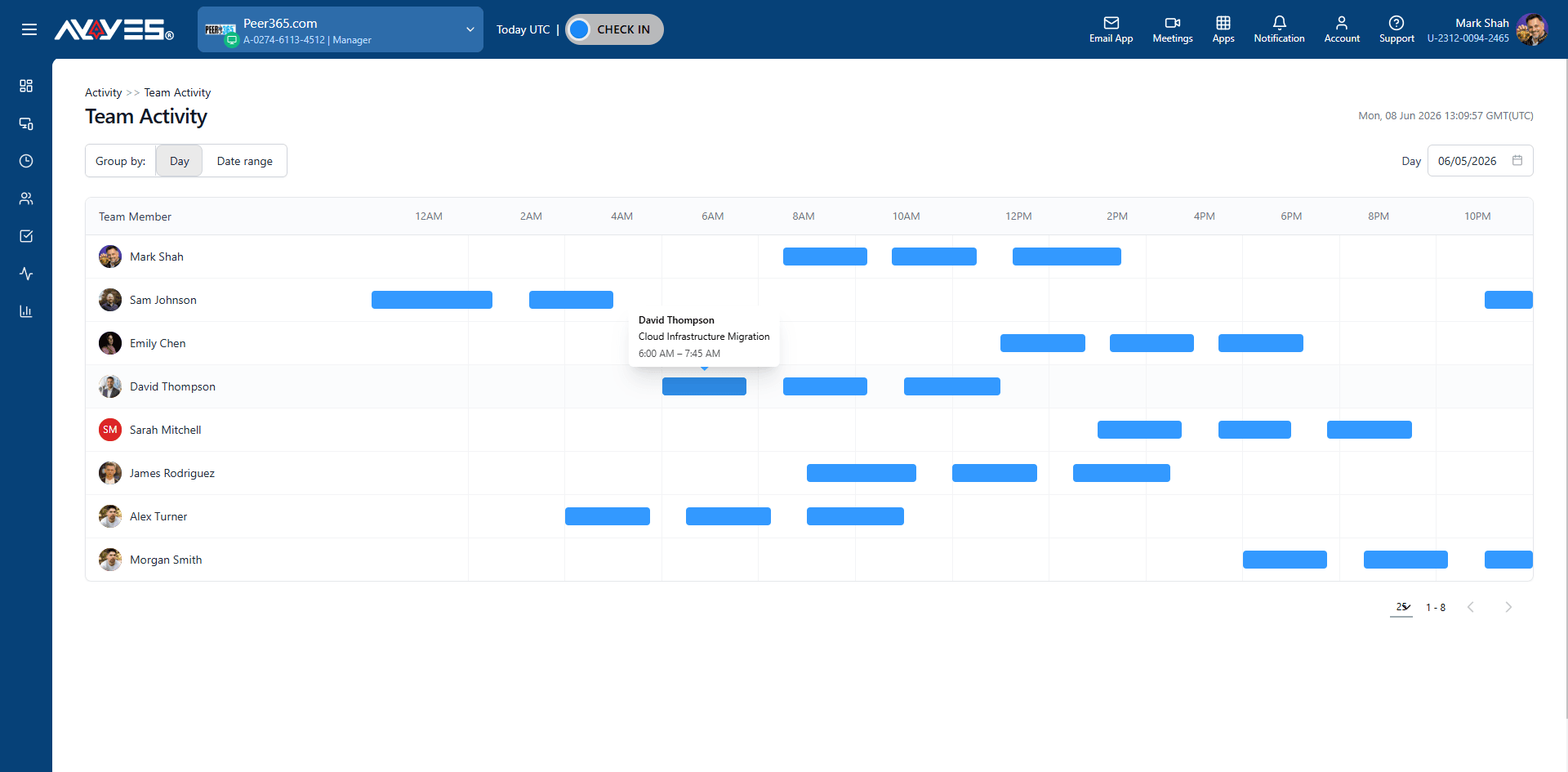
Step 6
Use screenshot tracking, App Activity Tracking, keyboard and mouse activity, and idle detection to understand tracked work.
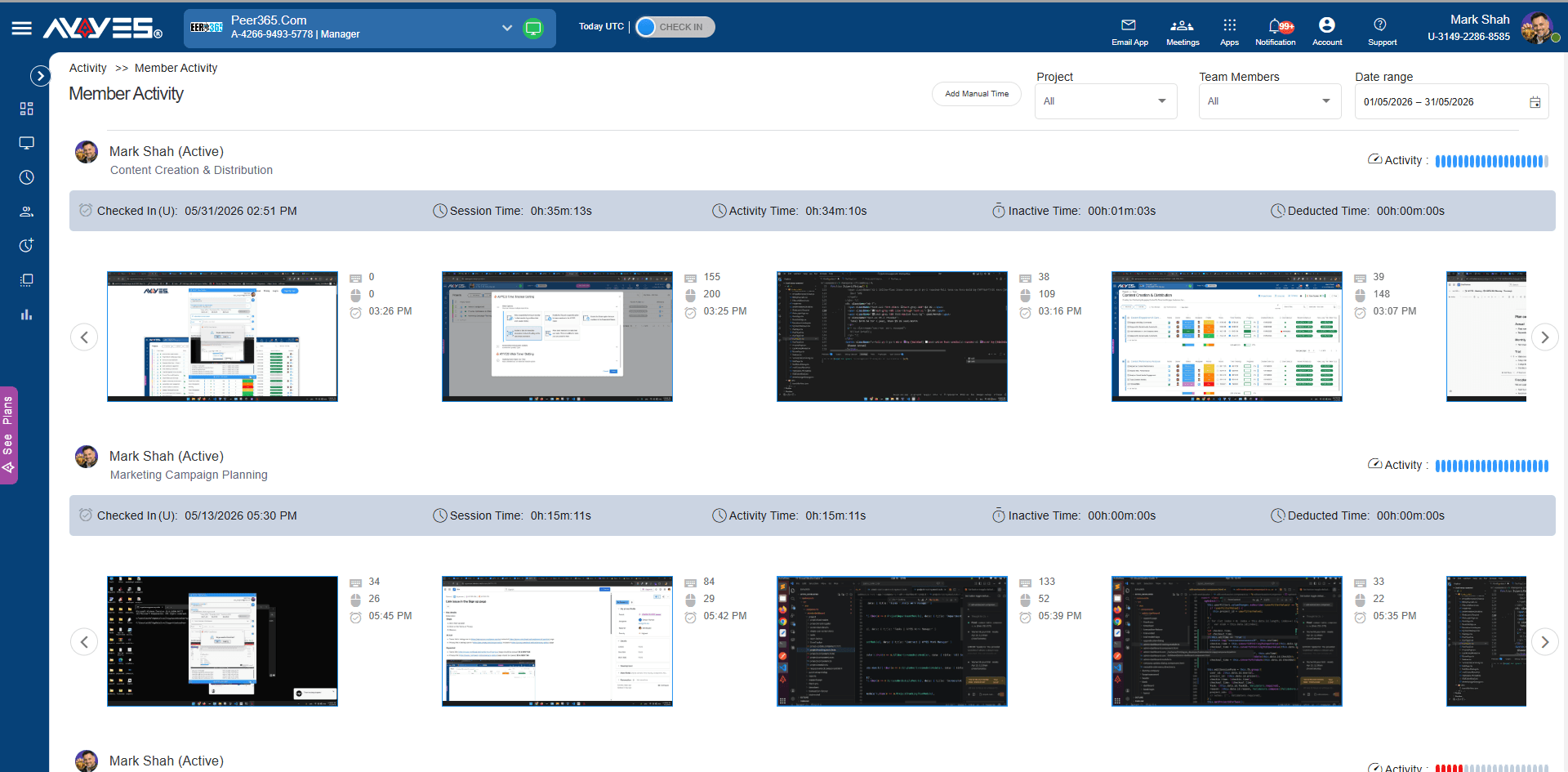
Step 7
Review detailed and summarized timesheets grouped by team member, project, or date.
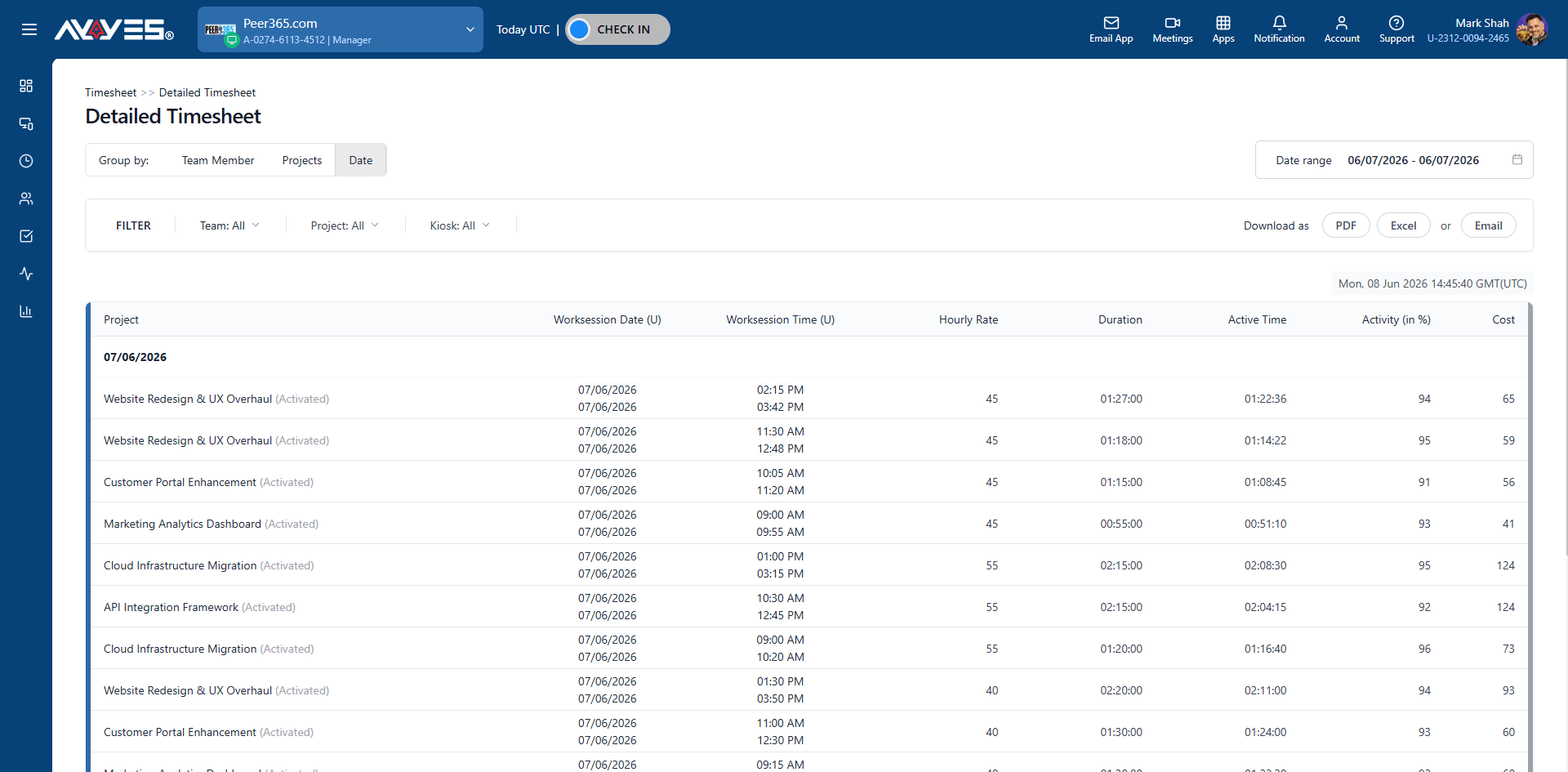
Step 8
Download timesheets as PDF or Excel, or send reports by email when payroll or client updates are due.
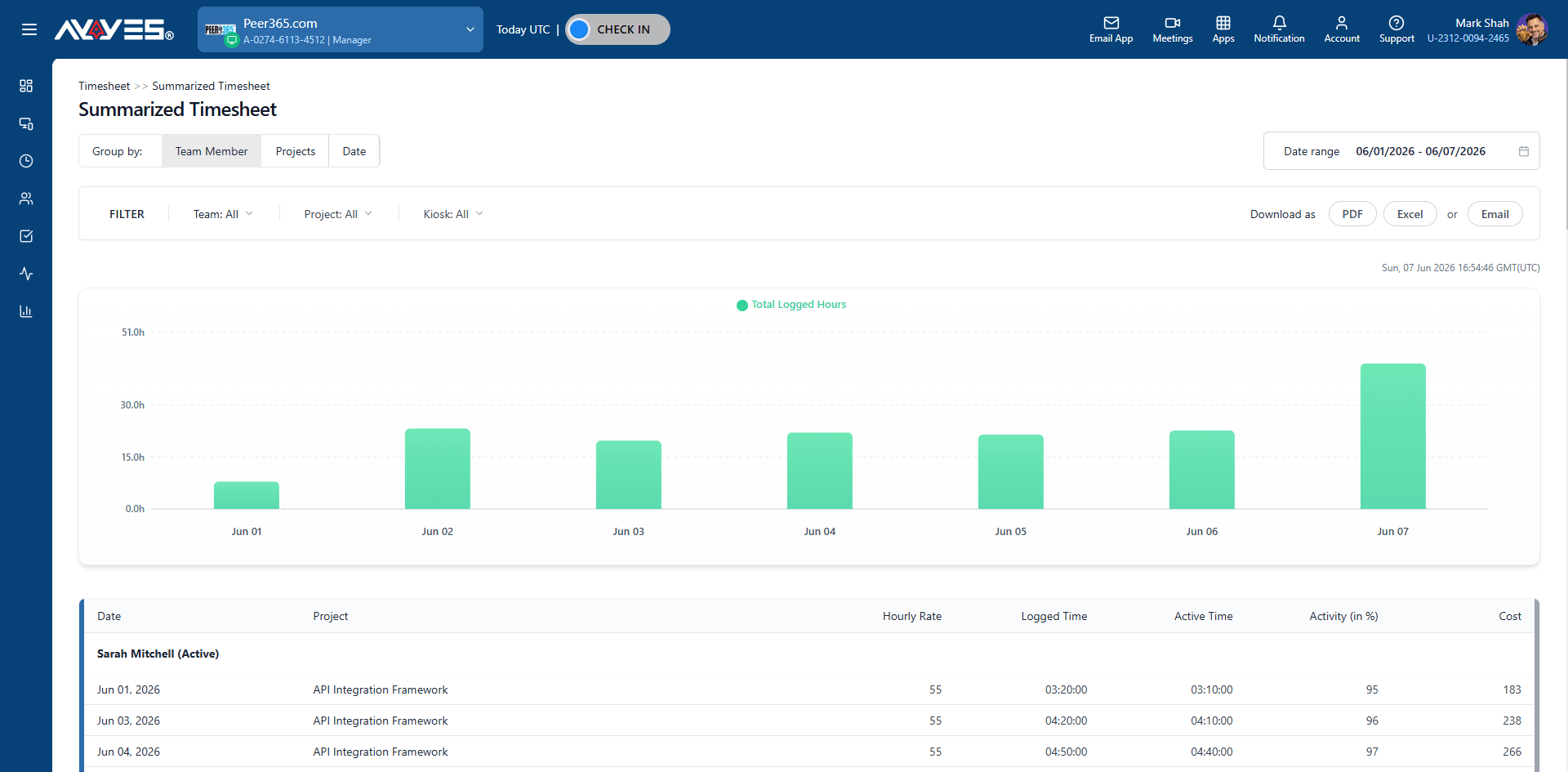
Use AYYES to track time, manage projects, review proof of work, and export reports from one simple work manager.
Track work time from the web app, desktop tracker, or kiosk mode. Team members can check in, add notes, use manual time entry, and keep daily work records clear.
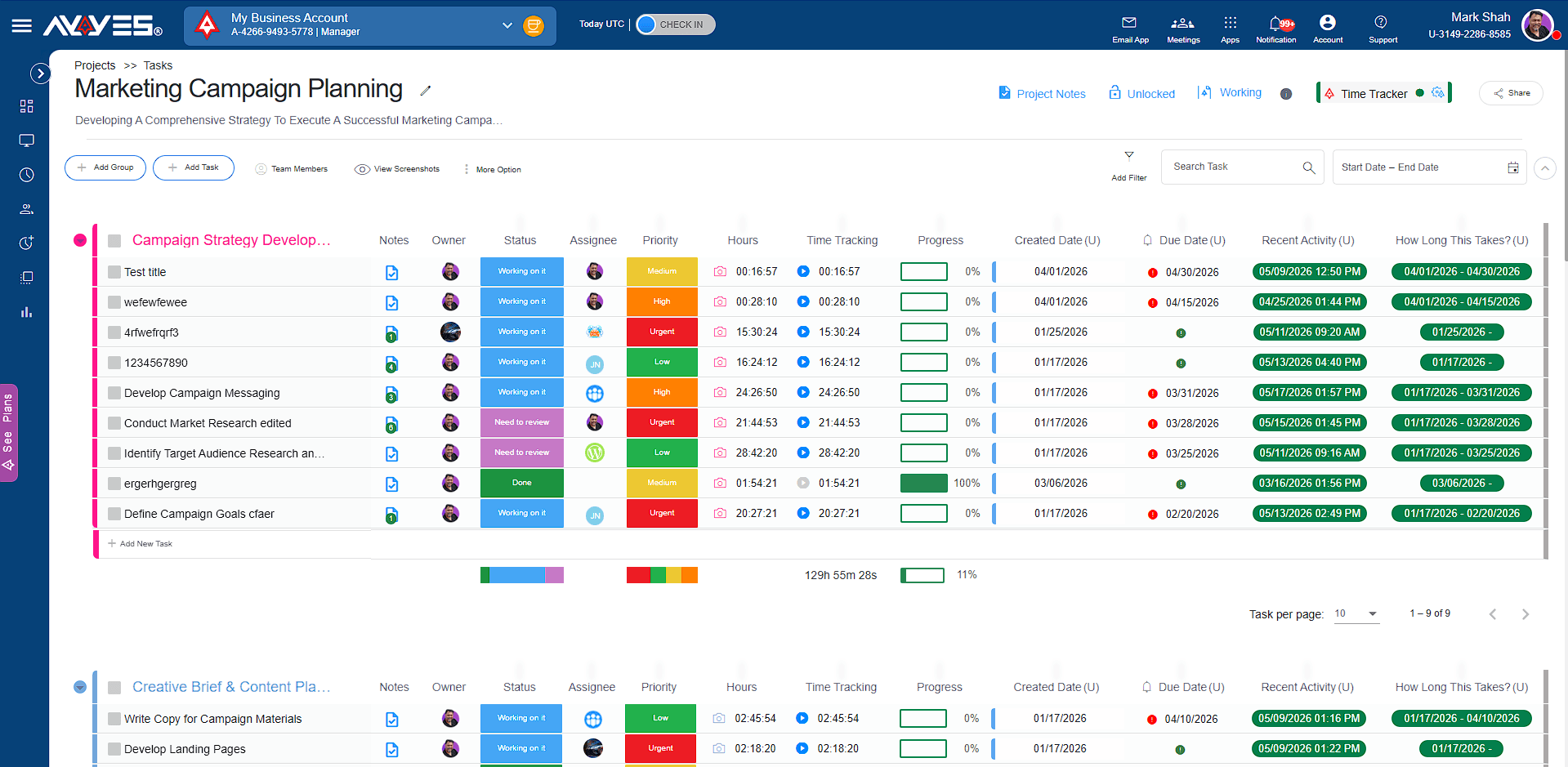
Create projects, add tasks, set priorities, assign departments, track billable rates, and review work status from one dashboard.
Use screenshot tracking, App Activity Tracking, keyboard and mouse activity, idle detection, and activity logs to understand what was done during tracked time.
Review detailed and summarized timesheets by team member, project, or date. Export PDF and Excel reports for payroll, billing, and client updates.
Add team members, manage active and inactive users, assign licenses, and use kiosk check-ins for shared workstations or front desk teams.
What is the best Timeular alternative for teams?
AYYES. Timeular (now EARLY) is a personal habit tool – one flip tracker, one person. No team dashboard, no app activity tracking, no kiosk, no project management. AYYES is built for teams: member management, app tracking, projects and tasks, screenshots, free for 12 seats.
How does AYYES pricing compare to Timeular?
AYYES is free for up to 12 users, with paid plans from $0.88 per seat per month billed annually (30-seat minimum on paid plans). Timeular (now EARLY) has no free plan, with paid plans from $7.50 per month billed annually ($9 month-to-month) — plus the one-time cost of the physical device.
Can Timeular manage a team’s projects?
No – it’s individual time tracking. AYYES gives managers unlimited projects and tasks with priorities, departments, per-task time tracking, and a team activity timeline – the management layer a personal tracker doesn’t attempt.
Why do teams switch from Timeular to AYYES?
They grow past personal tracking. Twelve people needing verified timesheets is a system, not a habit – AYYES provides the dashboard, the app tracking, and the proof of work in one place, free for the first 12 seats.
Can I switch from Timeular to AYYES?
Yes. Bulk-import tasks via CSV, rebuild projects from templates, and start tracking the same day.
30-Day Free Trial • No Credit Card Required • Flexible Plans
| Product Features | Solutions Timekeeping Productivity Analysis Reporting Project Management Team Management Industries |
| Competitor Comparison | Company Pricing About us Resources Download |

